


How to Connect Bluetooth to a Balboa Spa Hot Tub?
2026-05-12 15:35As spa equipment becomes increasingly feature-rich, more and more users want to connect their phones or other smart devices to their hot tubs via Bluetooth to enable functions such as music playback, system control, and status monitoring.
Among numerous control system brands, Balboa spa hot tubs are widely used in various spa hot tubs due to their stability and mature control platform.
So, the question arises: How to correctly connect Bluetooth to a Balboa hot tub?
This question seems simple, but without understanding the Balboa system architecture, Bluetooth module types, and connection logic, you may encounter issues such as not being able to find the device, connection failures, or limited functionality.
This article will provide a systematic and professional explanation from the aspects of system architecture, Bluetooth types, connection conditions, operating steps, and common misconceptions.
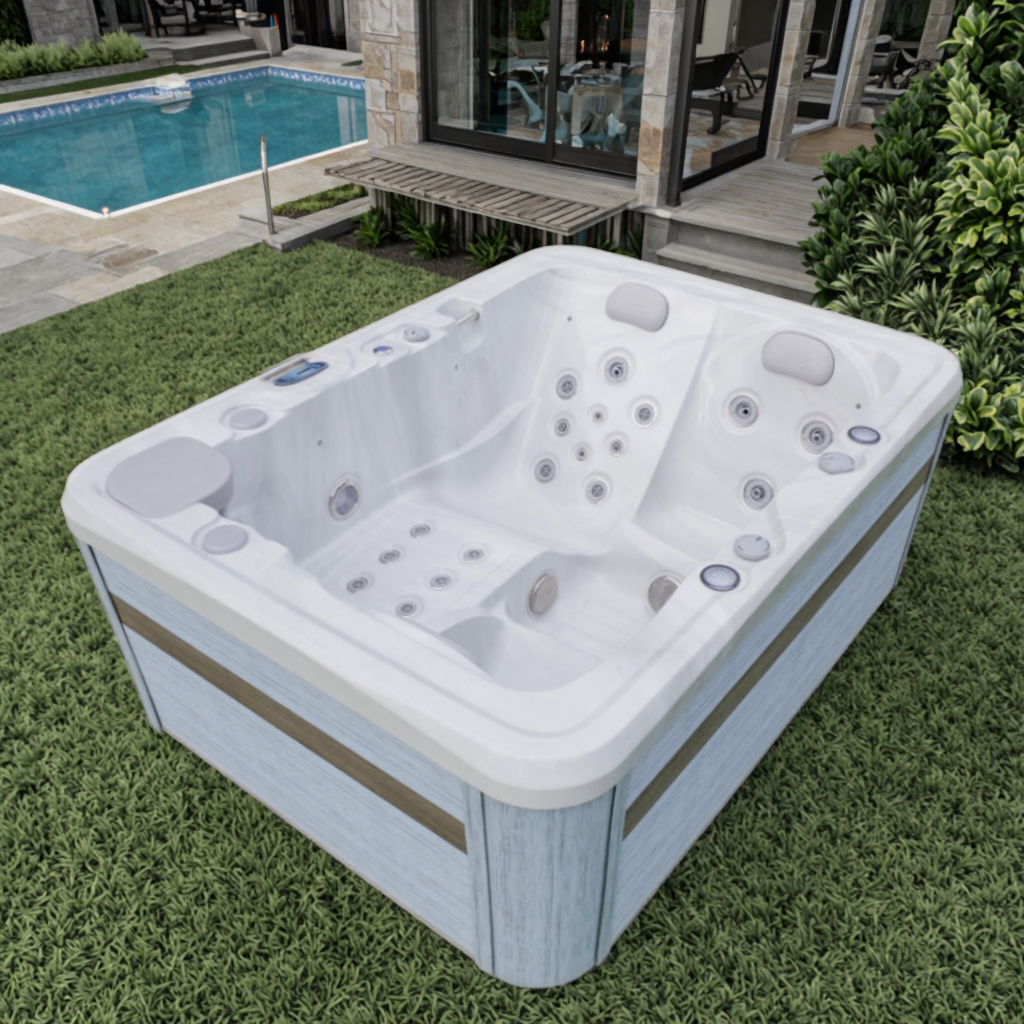
Which Bluetooth functions does a Balboa spa hot tub support?
Not all Balboa spa hot tubs have Bluetooth functionality by default.
Main Uses of Bluetooth in Balboa Spa Hot Tubs
Generally, the Bluetooth function in Balboa spa hot tubs is primarily used for the following:
• Bluetooth audio playback
• Connecting to external speaker systems
• Communicating with control panels or expansion modules
It's important to note that Bluetooth is not the same as Wi-Fi or cloud control; it's more of a short-range, local connection.
Can all Balboa spa hot tubs connect to Bluetooth?
Balboa Control System Modular Design
Balboa spa hot tubs use a modular control system design. Whether or not they support Bluetooth typically depends on the following factors:
• Whether a Bluetooth audio module is installed
• Whether the control system supports Bluetooth expansion
• Whether a corresponding receiver or antenna is provided
In other words, Bluetooth is not a "standard feature" of Balboa spa hot tubs, but rather an optional feature dependent on hardware configuration.
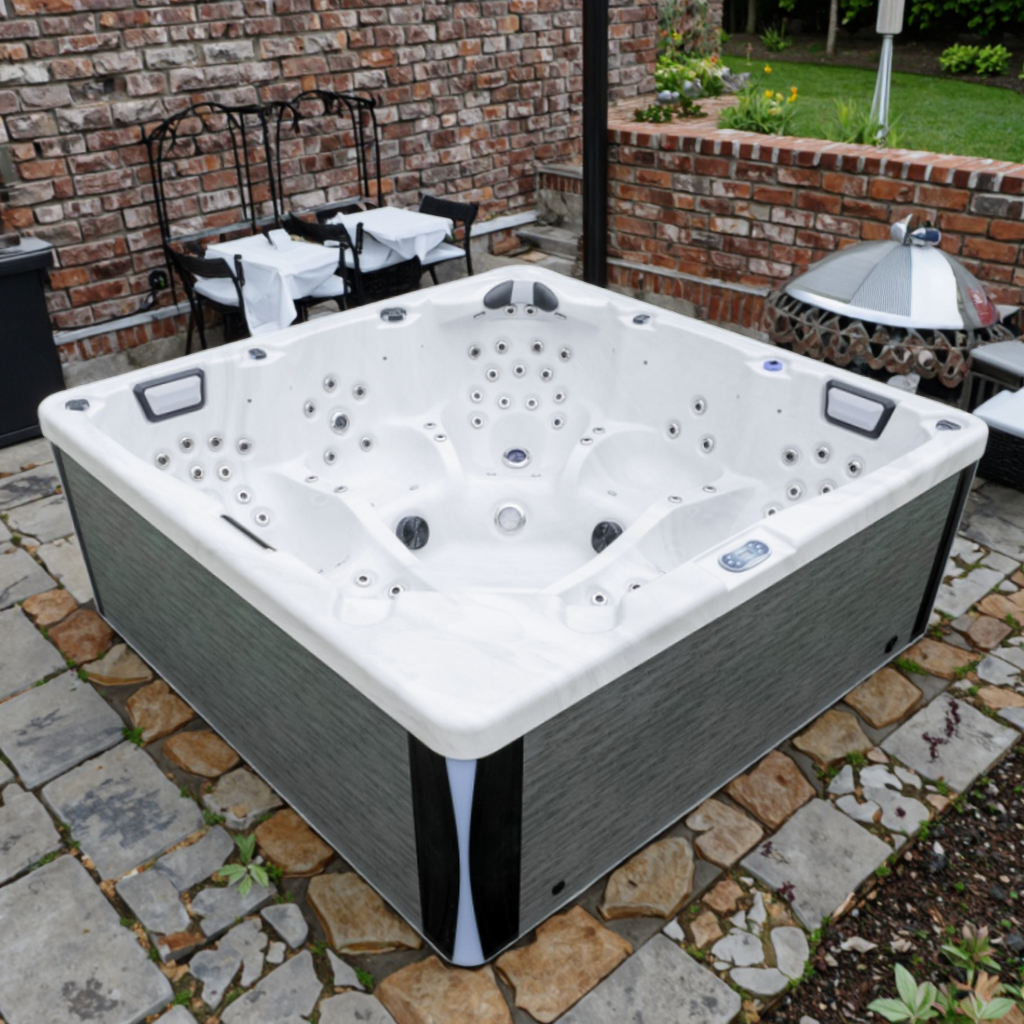
Where is the Bluetooth module usually installed in a Balboa hot tub?
Understanding the location of the Bluetooth module helps determine if the device has Bluetooth functionality and also helps in understanding the signal connection logic.
In a Balboa spa hot tub, the Bluetooth module typically:
• is integrated into the audio control module
• or connects to the main control box as a separate module
• communicates with the control system via cable
Since the hot tub itself is a closed structure, Bluetooth signals are usually transmitted through a dedicated antenna or interface.
What conditions need to be met before connecting the Balboa hot tub via Bluetooth?
Before attempting to connect via Bluetooth, it is recommended to confirm that the following basic conditions are met:
1. The Balboa spa hot tub is properly powered on
The Bluetooth module will only work when the system is powered on normally. If the hot tub is in standby or powered off, Bluetooth cannot be discovered.
2. Bluetooth is enabled
Some Balboa spa hot tubs require manual activation of the audio or Bluetooth function via the control panel; otherwise, the Bluetooth module will not be discoverable.
3. The connected device supports the standard Bluetooth protocol
Mobile phones, tablets, or media players need to support the standard Bluetooth audio protocol to establish a connection with the Balboa spa hot tub.
How to make the Balboa spa tub discoverable via Bluetooth?
This is the most crucial step in the connection process. Common Bluetooth Discoverable Methods
In a Balboa spa hot tub, the Bluetooth module typically becomes discoverable through the following methods:
• Turning on the audio system
• Accessing the audio or media menu via the control panel
• Enabling Bluetooth pairing mode
When the Bluetooth module is discoverable, nearby devices can scan for the Balboa spa hot tub's Bluetooth name.
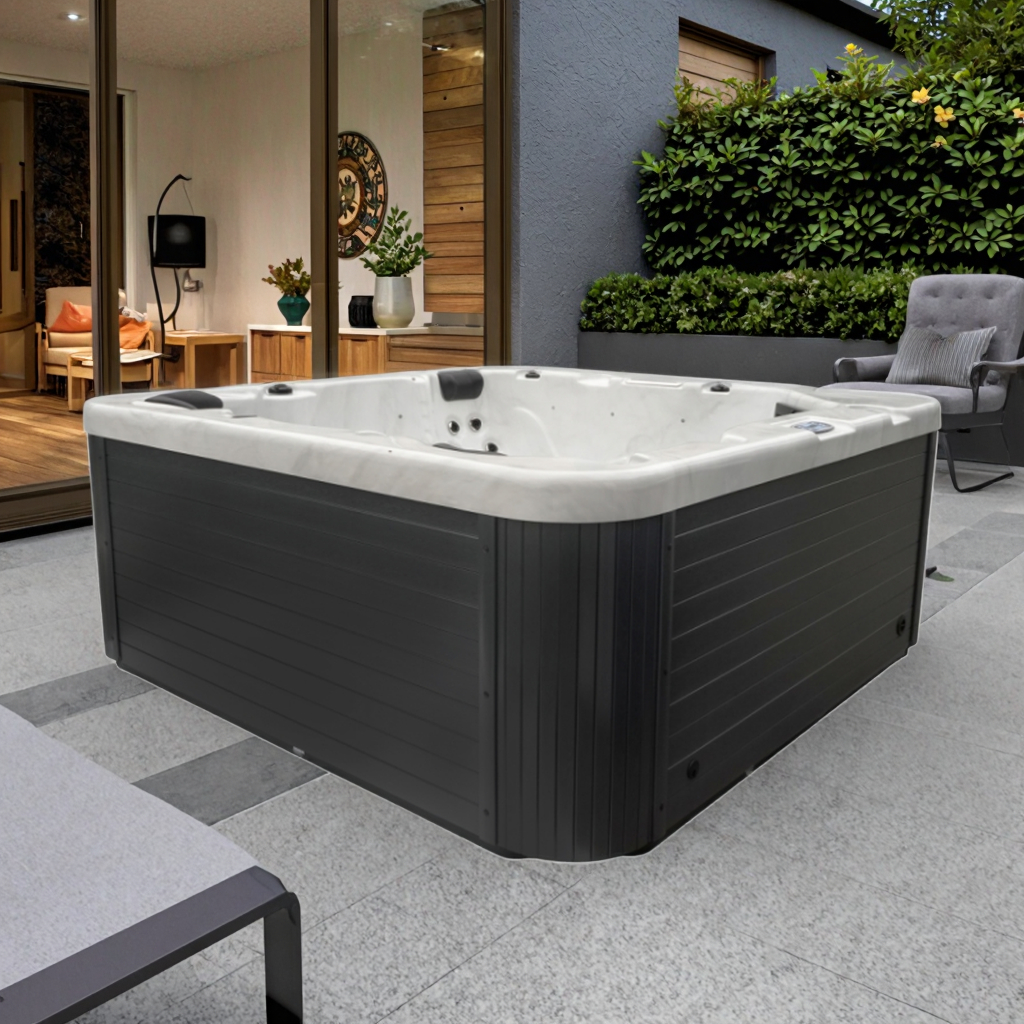
How to Search for Balboa Spa Hot Tub Bluetooth on Your Phone?
Once the Balboa spa hot tub's Bluetooth module is discoverable, you can follow these general steps:
1. Turn on your phone's Bluetooth function
2. Enter the Bluetooth device search interface
3. Wait for the device list to refresh
4. Find the device name related to Balboa spa hot tub
The Bluetooth name is usually related to the audio module or system name, rather than a uniform, fixed name.
Does Connecting to the Balboa hot tub via Bluetooth Require a Password?
In most cases:
• Balboa spa hot tub Bluetooth does not require a complex password.
• Or use the default pairing code (e.g., 0000 or 1234).
If the system requires a pairing code, it will usually be provided in the control panel or instruction manual.
What functions can the Balboa spa tub perform after a successful Bluetooth connection?
After a successful Bluetooth connection, the Balboa spa hot tub typically includes:
• Music and audio transmission
• Volume control
• Switching playback content
It's important to note that Bluetooth connection is primarily for audio functions and does not equate to remote control of all hot tub parameters.
Why can't I find the Balboa spa hot tub's Bluetooth?
This is one of the most common problems users encounter.
Common reasons include:
• Bluetooth module not enabled
• Balboa spa hot tub not in pairing mode
• Too far away or signal obstruction
• Bluetooth module not installed or not powered
When troubleshooting, first confirm whether the Balboa spa hot tub itself has Bluetooth hardware support.
Bluetooth is connected but there's no sound. Is this a problem with the Balboa hot tub?
Not necessarily.
This situation may be related to the following factors:
• Volume setting is too low
• Audio input source not switched to Bluetooth
• Audio module not correctly initialized
In the Balboa spa hot tub, a successful Bluetooth connection does not guarantee that the audio output path is correctly set.
Is it safe to use Bluetooth to connect the Balboa spa hot tub?
From a system design perspective, the Bluetooth module in the Balboa spa hot tub is a low-power communication device, primarily used for audio transmission. It will not directly affect:
• Electrical system
• Water circulation system
• Heating system
As long as the equipment is installed and used according to specifications, the Bluetooth connection itself is safe.
Will the Bluetooth connection affect other functions of the Balboa hot tub?
No, under normal circumstances.
The Balboa spa hot tub's control system employs a multi-module design, with the Bluetooth audio module and core control module operating independently. Therefore:
• Bluetooth usage will not affect water pump operation.
• It will not interfere with the temperature control system.
• It will not alter the safety protection logic.
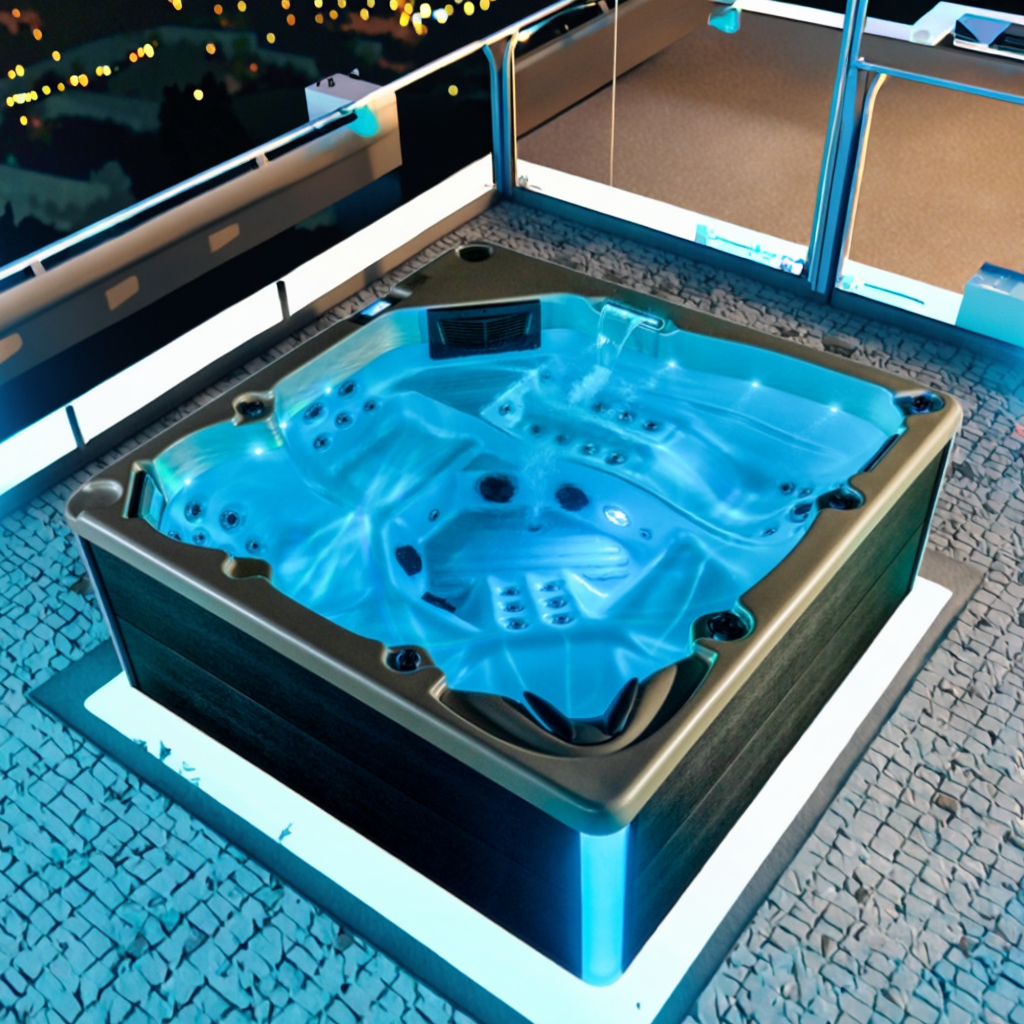
Can multiple devices be connected to the Balboa hot tub's Bluetooth simultaneously?
Generally, no.
Most Balboa spa hot tub Bluetooth modules:
• Support only one device connection at a time.
• When a new device connects, the existing connection may be disconnected.
This is common design logic for Bluetooth audio modules.
How to disconnect or reconnect the Balboa spa hot tub's Bluetooth?
If you need to disconnect, you can:
• Turn off Bluetooth on your mobile phone.
• Or turn off the audio system in the Balboa spa hot tub's control panel.
To reconnect, simply enter the pairing process again.
Does a Bluetooth connection failure mean the Balboa hot tub is malfunctioning?
Not necessarily.
In most cases, Bluetooth connection problems are more related to:
• Operating procedures
• Settings
• Hardware configuration
rather than a malfunction in the Balboa spa hot tub's core functionality.
What logistics advantages does Lovia Spa offer?
Lovia Spa provides efficient logistics support to ensure smooth delivery of spa hot tub and swim spa tub products worldwide. As an experienced supplier, our company coordinates shipping processes to minimize delays and ensure reliable supply for international buyers.